
Ordering tool
Clicker Bar: Keychain Designer with Keys
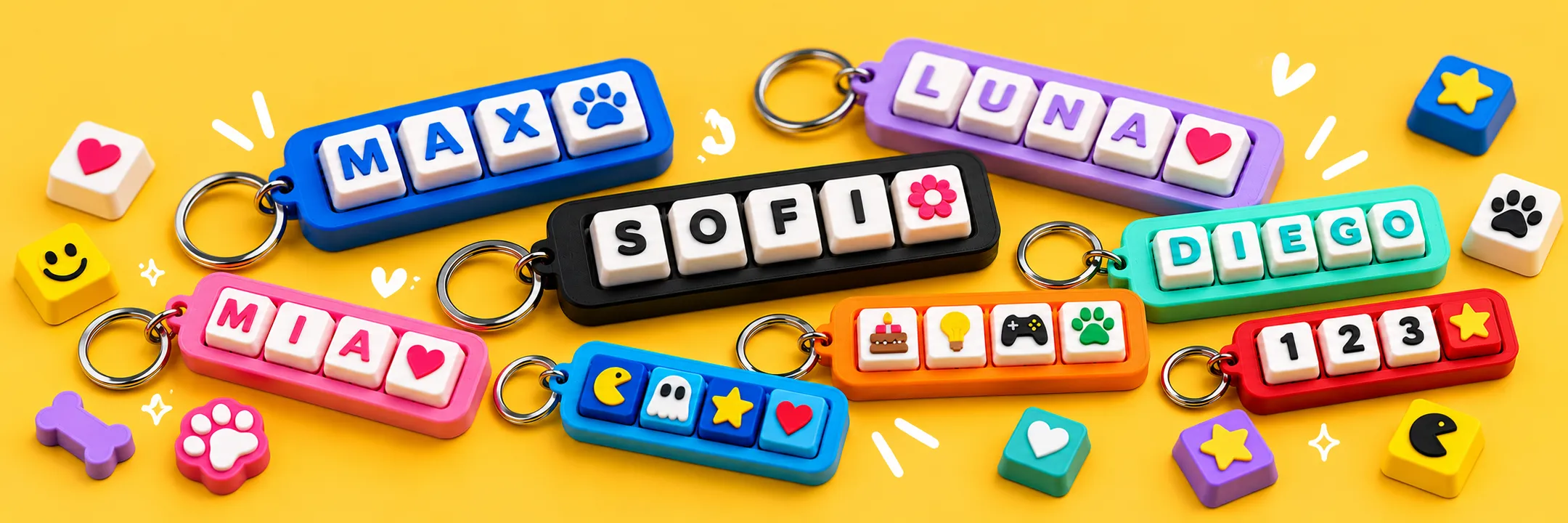
Build your own keyboard-shaped keychain: choose the base color, how many keys it has, which letter, number or icon goes on each one, and in what color. And yes, it sounds like a real keyboard!
You can build several keychains in a single order. At the end, send it to us straight from here and we will 3D print it.
What kind of order do you want to place?
Pick an option to get started. You can change it before sending.
Order type:
Your details
We need these to prepare and deliver your order. And your name helps us surprise you with your keychains!
* Required fields to send the order.
We only use these details to contact you about your order. At the end you can review everything before sending it.
Your activity
Tell us about the event. In the next step you choose the pieces you need.
Build your list of pieces
Add one line for each piece you need: choose its type, color and quantity. Your guests will combine them to build their clickers at the activity.
Bases
The clicker bar: choose its color and how many keys it holds.
Keys
The keys: choose letter, number or icon, which one, and the color.
Choose your base
How many keys does it have?
Base color
Choose what goes on each key
Tap a spot on the keychain and choose what goes in it. Fill them in any order, or type on your keyboard. Colors come next, in “Their colors”!
Paint your keys
Tap a key on your keychain and pick its color. Move between keys with the arrows.
Your order summary
Check that everything is just how you want it.
Reference
Your details
Your activity
What happens when you send your order
- We receive your order at the lab and review it.
- We contact you by email or WhatsApp to arrange payment and delivery. If you have questions, write to us:
You can save the receipt with “Print receipt” as a personal reference.
Print the receipt or save it as a PDF. It's how you can check and compare what you ordered: this page doesn't keep your order and it can't be reopened.